
VAT Return Calculator
A VAT Return Calculator helps you work out an estimated VAT balance for a return period. It compares the VAT your business owes on sales and other outputs with the deductible input VAT you can reclaim on eligible purchases and expenses.
When the VAT due is higher than the VAT you can reclaim, the difference is normally the amount to pay. When the reclaimable input VAT is higher, you may have a VAT repayment due.
The calculator is useful for checking your figures before completing a VAT Return. Your actual return can also include adjustments, corrections, imports, special accounting scheme rules, and other figures that need to be reported to HMRC.
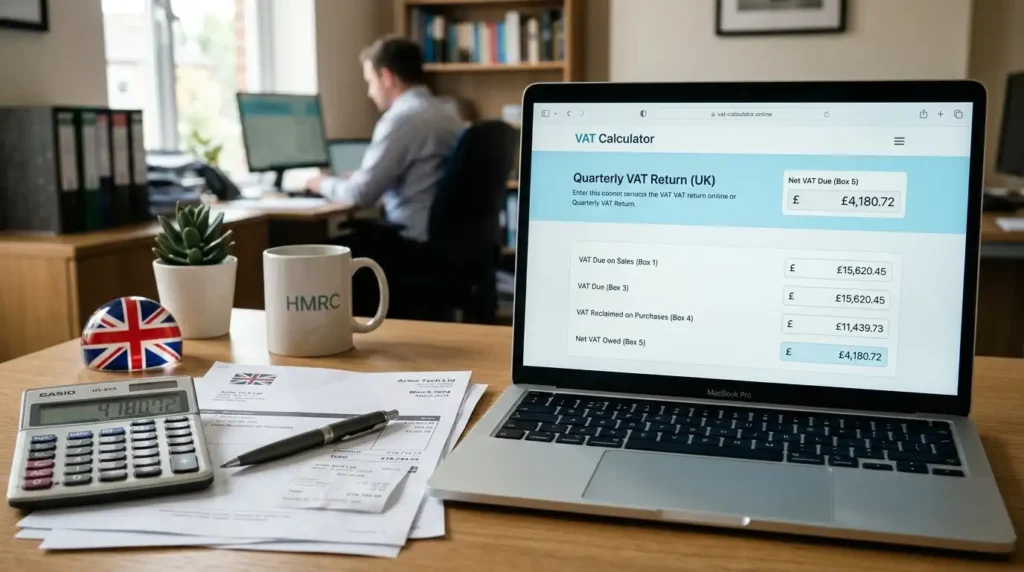
How the VAT Return Calculator Estimates VAT Payable
The calculator starts with the VAT due on your sales and other outputs and compares it with the deductible input VAT for the same return period.
- Enter the VAT due on taxable sales and other outputs.
- Enter the input VAT that can be reclaimed on eligible business purchases and expenses.
- Include relevant credit notes, refunds, and adjustments.
- Add any other VAT due that applies to the return.
- Compare the total VAT due with the reclaimable input VAT.
- When the VAT due is higher, the difference is the amount to pay.
- When the reclaimable input VAT is higher, the difference may be repayable.
For example, a business with £4,000 of VAT due and £2,500 of reclaimable input VAT would have £1,500 to pay based on those figures.
HMRC uses Box 3 for total VAT due and Box 4 for VAT reclaimed on purchases and other inputs. Box 5 is the difference between the two and shows the net VAT to pay or reclaim.
Box 3, Box 4 and Box 5 on a VAT Return
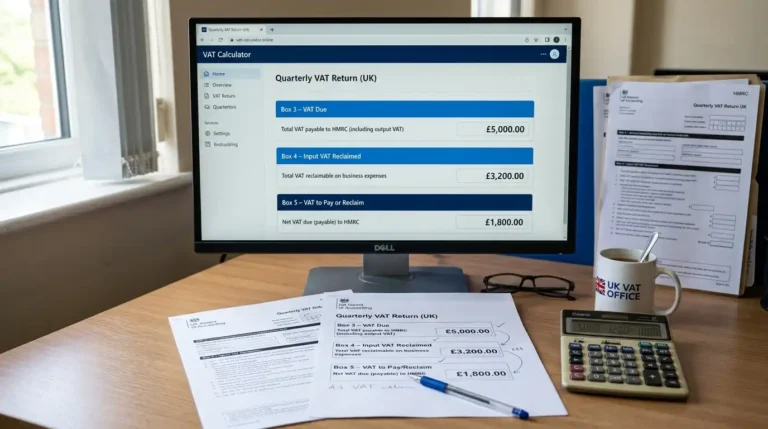
These three boxes are closely linked to the basic VAT calculation:
| VAT Return Box | What It Shows |
| Box 3 | Total VAT due for the period. HMRC describes this as the VAT from Box 1 and Box 2 added together. |
| Box 4 | Total deductible VAT reclaimed on purchases and other inputs for the period. |
| Box 5 | The difference between Box 3 and Box 4. This is the net VAT to pay to HMRC or reclaim. |
The basic Box 5 calculation is:
VAT to pay or reclaim = Box 3 − Box 4
For example:
- Box 3 = £5,000
- Box 4 = £3,200
- Box 5 = £1,800 to pay
When Box 3 is lower than Box 4, the difference represents a repayment due, subject to HMRC rules and any checks that may apply.
Box 3 and Box 4 are not simply the total VAT appearing on every sales and purchase invoice. Box 4 contains deductible input VAT, so the business must first establish which input VAT is eligible for recovery.
Output VAT, Input VAT and Net VAT Due
| VAT Term | What It Means |
| Output VAT | VAT due on taxable sales and other outputs. |
| Input VAT | VAT paid on eligible business purchases and expenses that can be reclaimed. |
| Box 3 | Total VAT due for the VAT Return period. |
| Box 4 | Total deductible VAT reclaimed on purchases and other inputs. |
| Box 5 | Net VAT to pay to HMRC or reclaim after subtracting Box 4 from Box 3. |
A business cannot automatically reclaim every amount of VAT paid on its purchases. The amount entered for Box 4 needs to reflect the VAT that is actually deductible under the rules. Proper VAT records and supporting invoices may also be needed for the claim.
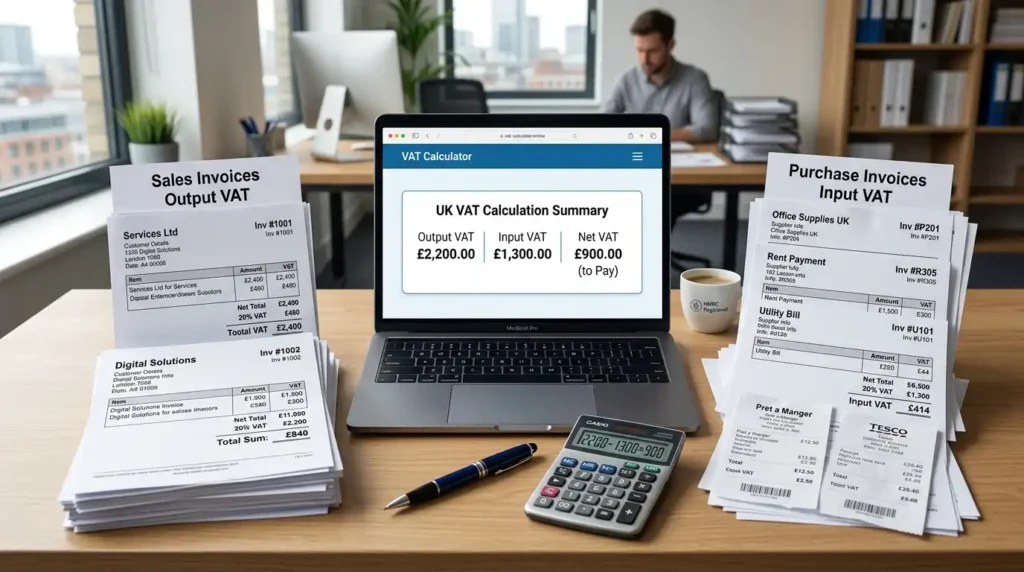
VAT Return Figures to Gather Before Calculating
Before working out the VAT balance, gather the figures that belong to the same VAT Return period:
- VAT due on taxable sales and other outputs
- VAT due on other transactions that need to be included
- Deductible input VAT on eligible purchases and expenses
- Credit notes and refunds
- Import VAT and other relevant VAT adjustments
- Purchase and sales invoices
- The start and end dates of the VAT Return period
- Any adjustments required under your VAT accounting scheme
Using figures from the correct accounting period helps prevent sales or purchases from being included in the wrong return. It also makes it easier to identify input VAT that cannot be reclaimed.
Businesses using special VAT schemes need to follow the rules that apply to their scheme. HMRC provides separate guidance for schemes such as cash accounting, annual accounting, flat rate and margin schemes.

How Is VAT to Pay Calculated?
VAT to pay is calculated by subtracting the deductible input VAT from the total VAT due for the return period.
Formula:
VAT to Pay = Box 3 − Box 4
For example, suppose:
- Total VAT due in Box 3 = £6,500
- Deductible input VAT in Box 4 = £4,100
The calculation is:
£6,500 − £4,100 = £2,400
The Box 5 figure would therefore be £2,400 to pay.
When Box 4 is higher than Box 3, the calculation produces a negative difference. In that situation, the business may be due a VAT repayment rather than having VAT to pay. HMRC confirms that Box 5 is the difference between Boxes 3 and 4.

VAT Return Calculator
A VAT repayment may arise when the deductible input VAT for a return period is higher than the total VAT due.
For example, a business has:
- Box 3 = £2,000
- Box 4 = £3,200
The difference is £1,200, so the business may have £1,200 to reclaim.
The final repayment still depends on the figures included in the VAT Return and any checks or adjustments that apply.
FAQs
Final Thoughts
A VAT Return Calculator gives you a simple way to check the VAT position for a return period. The key figures are the total VAT due in Box 3 and the deductible input VAT in Box 4. Subtracting Box 4 from Box 3 gives the Box 5 amount to pay or reclaim.
The result depends on using the correct figures for the same VAT period and applying the rules that affect your business. Credit notes, refunds, imports, partial exemption, corrections, and special VAT schemes can all change the final calculation.
Use the calculator as a checking tool before preparing the official VAT Return. Before submitting, compare the calculated balance with your VAT records and make sure the figures have been entered into the correct boxes.
Before submitting your next VAT Return, have you checked that your Box 3 and Box 4 figures give the correct Box 5 amount?