Add VAT Calculator
Add VAT Calculator: from net price to gross total
Formula: VAT = Net price × VAT rate • Gross = Net + VAT
Adding VAT to a price is pretty simple when you know which rate to use. The confusion usually starts when a quote or invoice shows an amount before VAT and you need to work out what the final price will be.
This Add VAT Calculator gives you the VAT amount and the total price in one go. Enter the price before VAT, choose the rate, and the calculator does the rest. It works for product prices, services, invoices, business quotes, or just checking a price quickly.
The amount you enter should be the price before VAT. The calculator adds the VAT to that figure. If you already have a price that includes VAT and want to find out what the original price was, you will need to use our reverse VAT calculator instead.
How the Add VAT Calculator Works
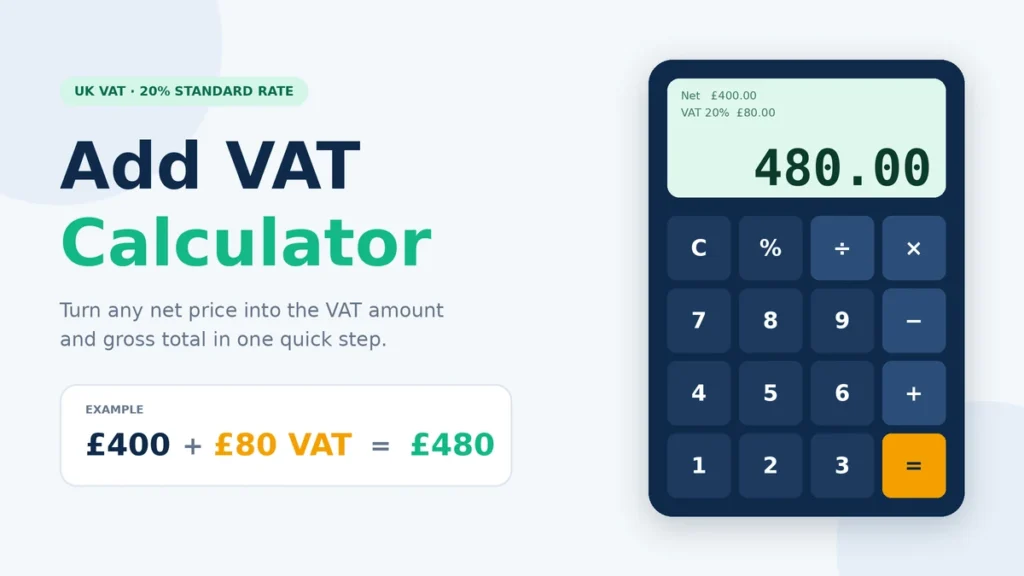
Using the calculator only takes a few steps:
- Enter the price before VAT.
- Choose the VAT rate or enter your own rate.
- The calculator works out how much VAT is added.
- The VAT is added to the original price.
- The result gives you the total including VAT.
Take a £250 service as an example. If 20% VAT applies, £50 is added to the £250 price, giving a final total of £300.
£250 × 20 ÷ 100 = £50 VAT
£250 + £50 = £300 total
The important thing to remember is that the 20% is calculated from the £250 price before VAT. You are not taking 20% of the final £300.
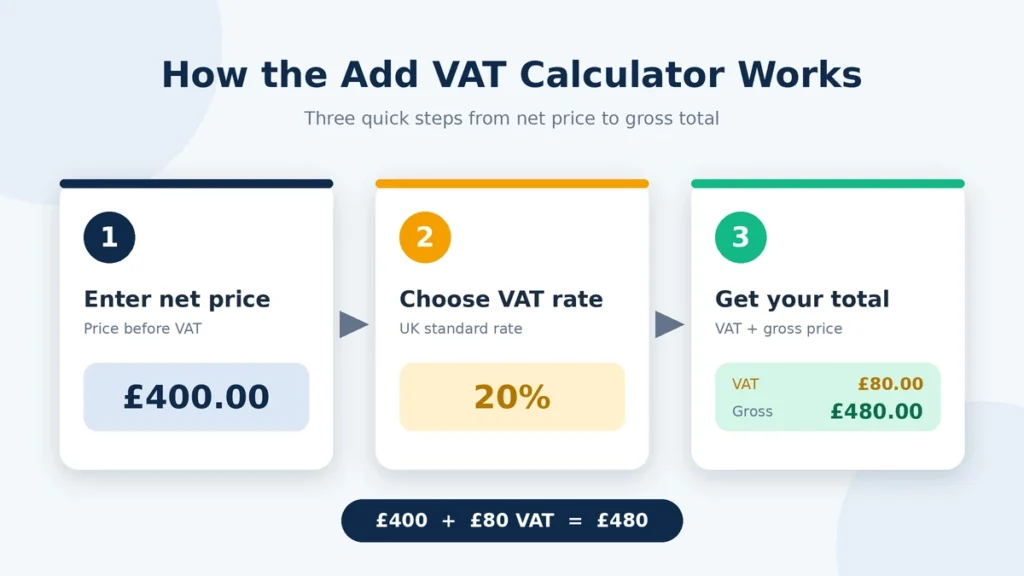
Add VAT Formula for Net Prices
If you already know the price before VAT, finding the VAT amount is just a matter of applying the percentage to that price:
VAT amount = Net price × (VAT rate ÷ 100)
Once you have the VAT amount, add it to the original price:
Gross price = Net price + VAT amount
If you only need the final price, there is a one-step way to get it:
Gross price = Net price × (1 + VAT rate ÷ 100)
For example, a £400 price with 20% VAT comes to £480:
£400 × 1.20 = £480
That means £80 of the £480 total is VAT.
You can use the same method for prices with pence and for other VAT rates. Just check the UK VAT rates to use the rate that applies to the goods or services you are charging for.
Common Plus VAT Amounts
| Price Before VAT | VAT Rate | VAT Amount | Price Including VAT |
| £25 | 20% | £5 | £30 |
| £50 | 20% | £10 | £60 |
| £100 | 20% | £20 | £120 |
| £250 | 20% | £50 | £300 |
| £500 | 20% | £100 | £600 |
| £1,000 | 20% | £200 | £1,200 |
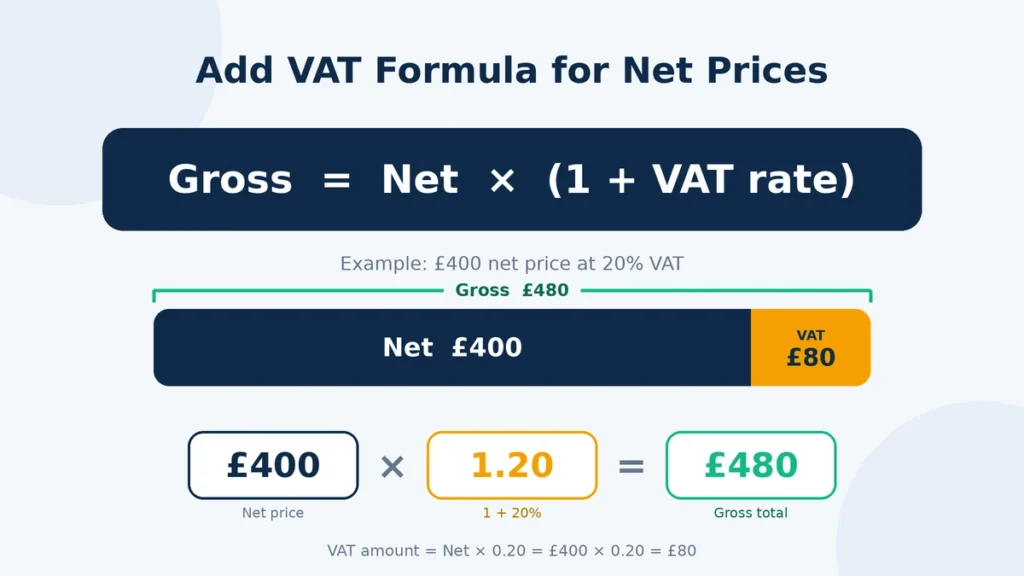
At 20% VAT, a £100 price before VAT gets £20 added to it, so the customer pays £120.
The numbers simply scale up or down from there. A £50 price adds £10 VAT, while a £1,000 price adds £200. If the transaction uses a different VAT rate, the amount added will be different too.
Adding VAT on a Standard Calculator
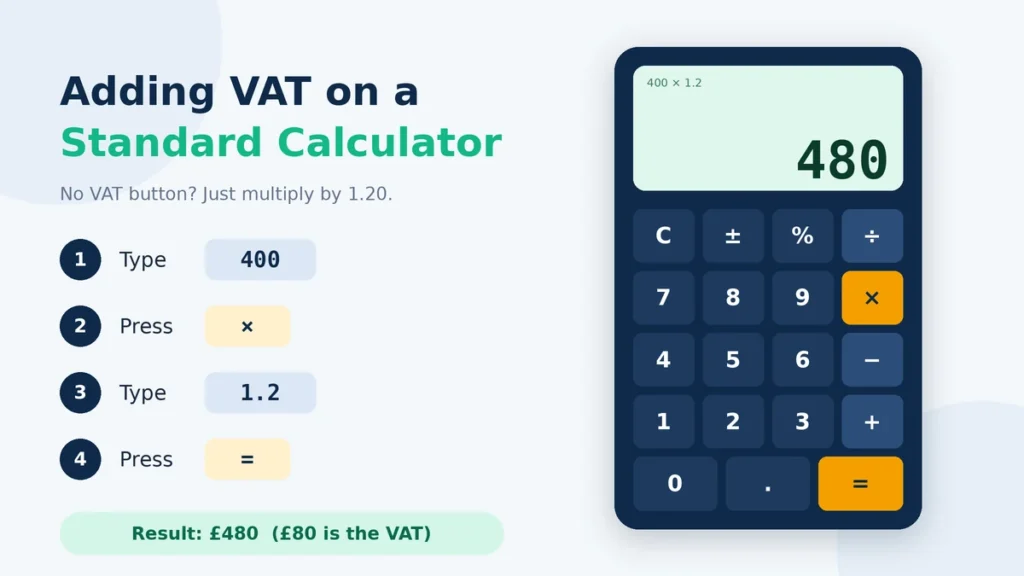
You do not need a special calculator to work out VAT. A normal calculator is enough.
For 20% VAT, turn the percentage into a decimal first:
20 ÷ 100 = 0.20
Then add that to 1:
1 + 0.20 = 1.20
Now multiply your price before VAT by 1.20 to get the final amount:
£150 × 1.20 = £180
So if the price is £150 before VAT, the total is £180 when 20% VAT is added.
The number you multiply by depends on the VAT rate. For 5% VAT, it is 1.05. For 10%, it is 1.10. The trick is simply to turn the percentage into a decimal and add 1.
FAQs
Final Thoughts
Adding VAT is not complicated once you know two things: the price before VAT and the rate that applies. Work out the VAT from the original price, add it on, and you have the final amount.
If you deal with 20% VAT regularly, multiplying the price by 1.20 is a handy shortcut. For another rate, just change the multiplier to match it.
This works well for everyday prices, quotes, invoices, and individual charges. If a transaction involves a discount, more than one VAT rate, or a special VAT treatment, check the applicable rules before using the final figure.